

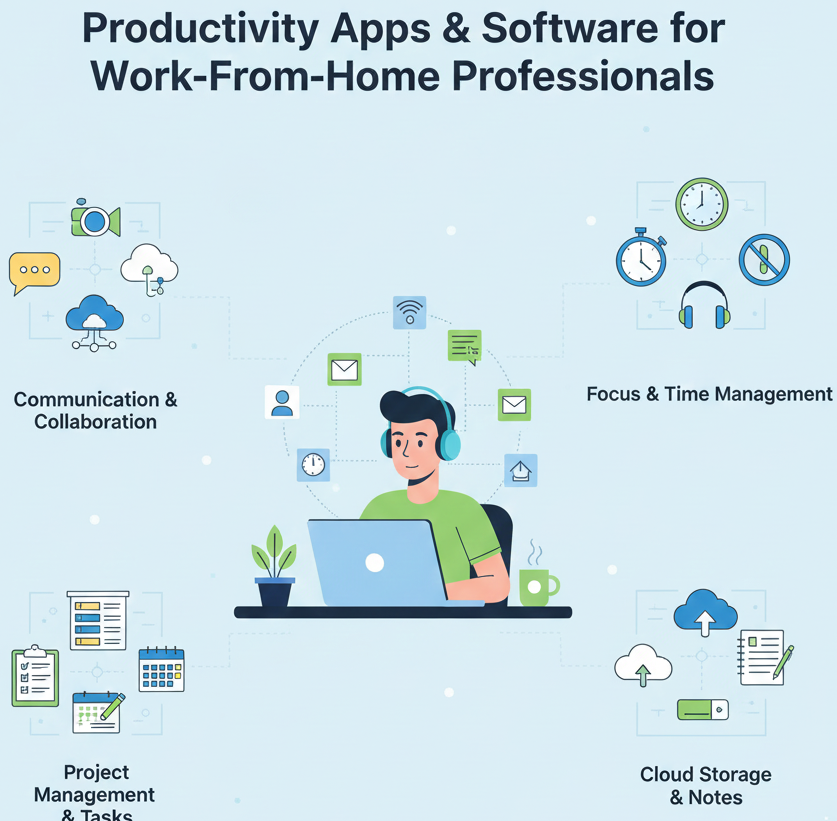
Productivity Apps & Software for Work-From-Home Professionals
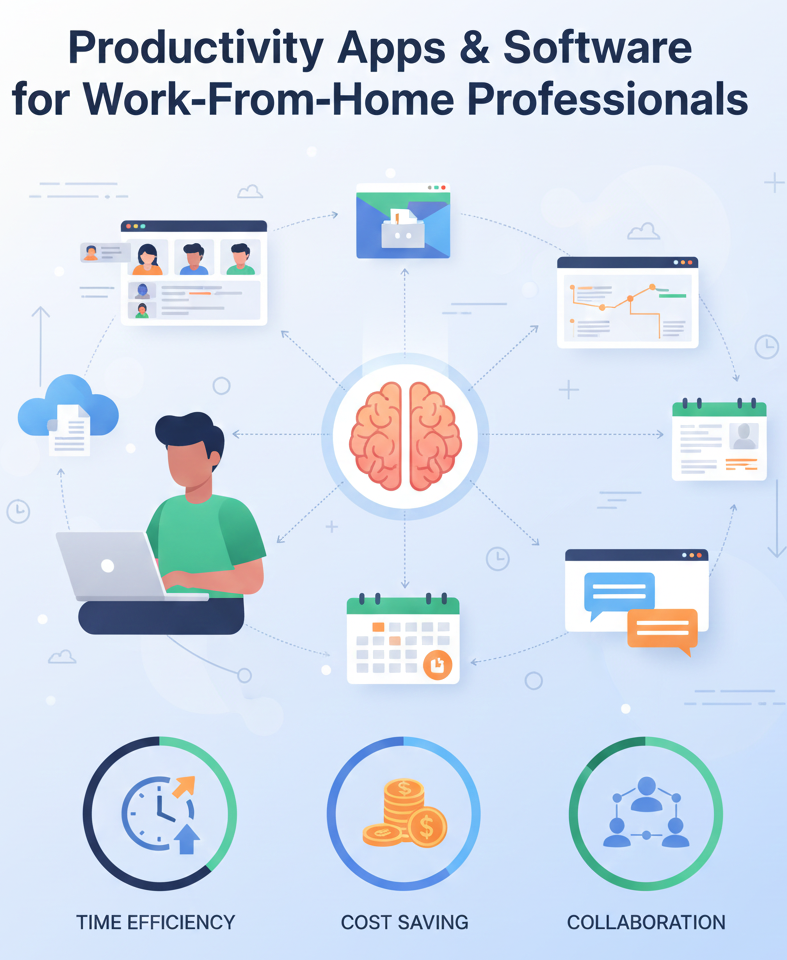
Working from home presents unique opportunities—and challenges. While flexibility and comfort are big perks, distractions, communication gaps, and juggling tasks can slow productivity if you don’t have the right tools. Fortunately, there’s a growing ecosystem of productivity apps and software built specifically for remote professionals. In 2026, these tools help streamline workflows, support collaboration, and keep you focused no matter where you’re working from.
This article explores top productivity tools for work-from-home professionals, with insights into key features, use cases, and how they can improve your daily workflow.
Why Productivity Software Matters for Remote Work
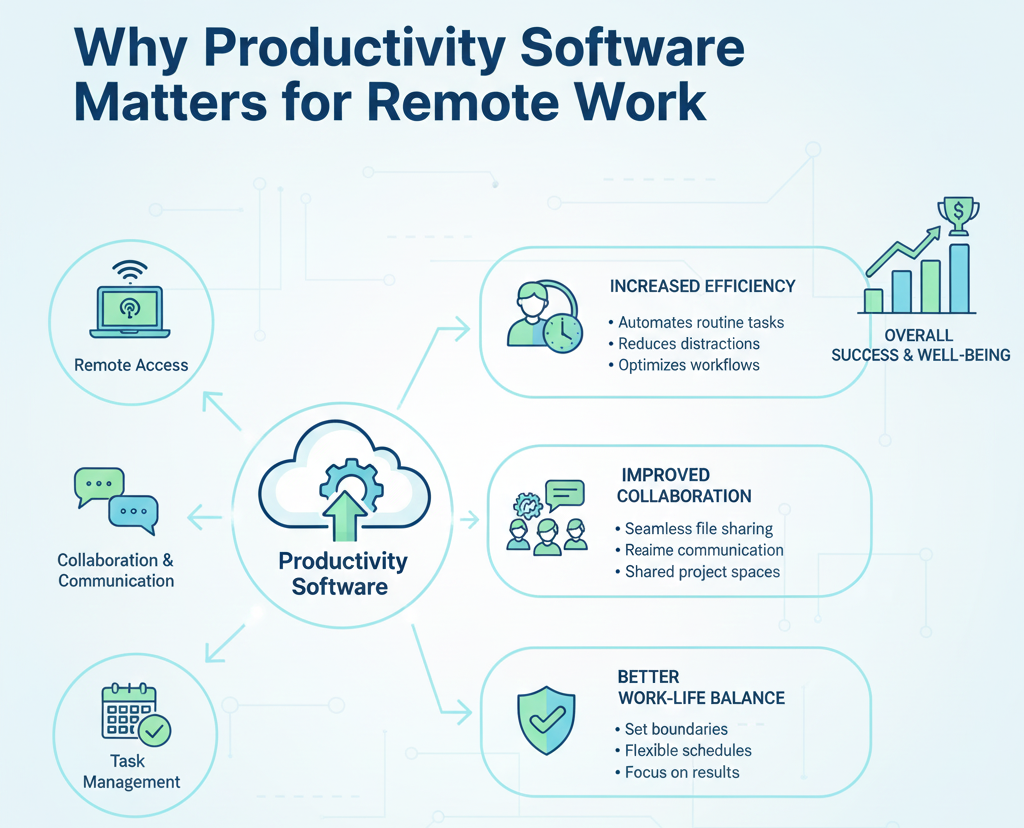
Without a central office or physical team environment, remote professionals must rely on tools that:
-
Organize tasks and projects
-
Facilitate real-time communication
-
Support focus and time management
-
Automate repetitive work
-
Track goals and performance
The right productivity stack not only improves output but also helps maintain a healthy work-life balance.
Best Productivity Tools for Remote Professionals
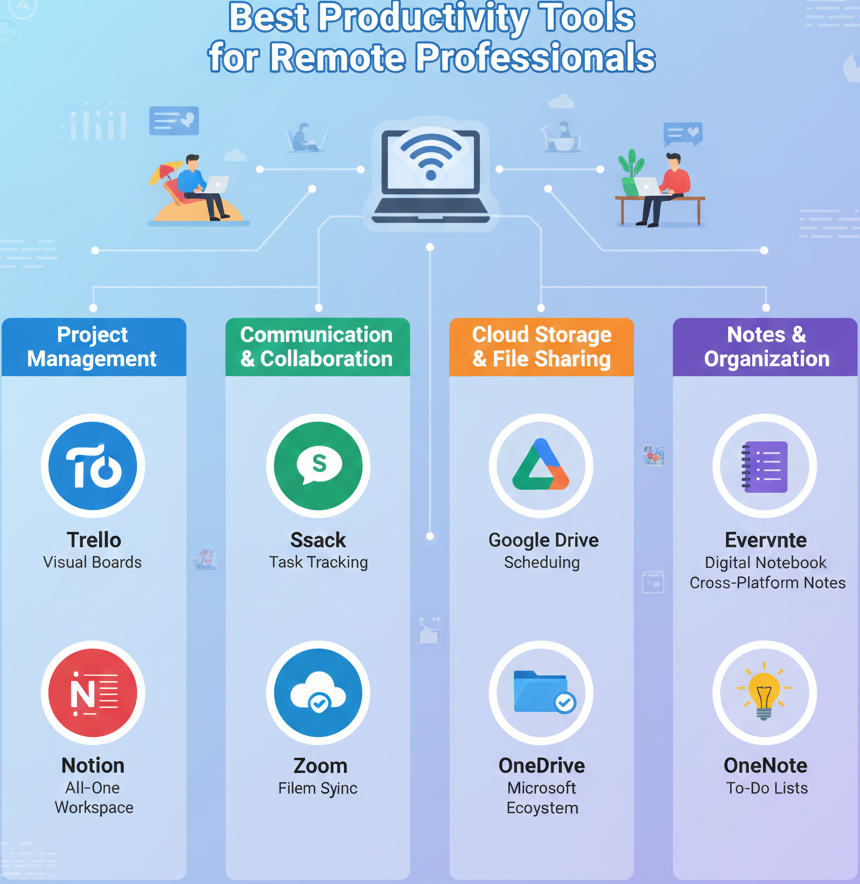
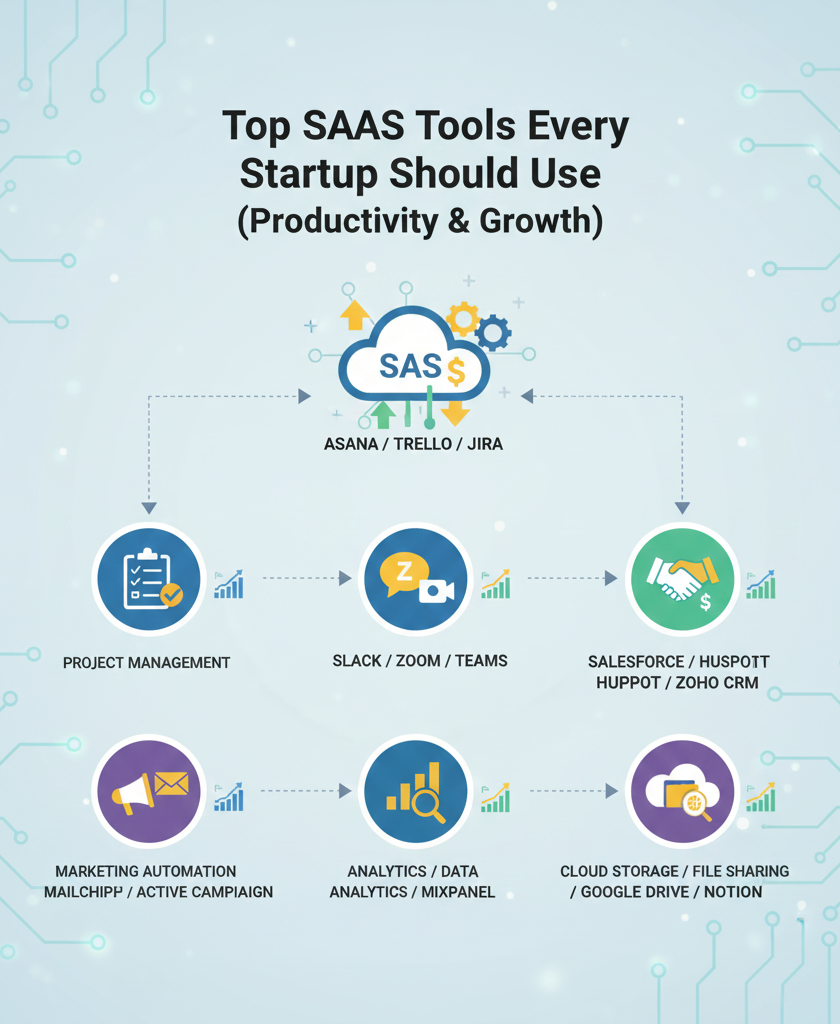
1. Task & Project Management
Notion – A flexible workspace that combines notes, databases, tasks, and calendars. Notion allows you to tailor workflows to suit your style—ideal for individual work and team projects.
Asana – Powerful project tracking software that helps you plan, organize, and visualize work with timelines, boards, and task dependencies. Great for larger teams or complex projects.
Todoist – A simple yet effective task manager focused on personal productivity. Its intuitive interface makes tracking daily to-dos and long-term goals easy.
2. Communication & Collaboration
Slack – A real-time messaging platform that keeps conversations organized with channels, threads, and integrations. Essential for team communication without long email chains.
Microsoft Teams – Combines chat, meetings, calls, and file collaboration under a single hub. It’s particularly helpful for teams already using Microsoft tools.
Zoom – Reliable video conferencing for meetings, webinars, and virtual check-ins. Screen sharing and recording features keep discussions productive.
3. Time Management & Focus
Toggl Track – A simple time-tracking app that helps you understand where your hours go. Useful for billing clients or clarifying productivity patterns.
Forest – A focus app that encourages deep work by setting timers and rewarding you with a virtual forest you grow with focused effort.
RescueTime – Automatically tracks computer usage to show you how time is spent, blocking distracting sites when needed and generating productivity reports.
4. Document Creation & File Sharing
Google Workspace – A suite of tools including Docs, Sheets, Slides, and Drive that lets you create, edit, and share documents in real time with collaborators.
Dropbox – Cloud storage with easy file sharing and synchronization across devices. Useful for backing up work and maintaining access everywhere.
Notability or Evernote – Note-taking apps that help capture ideas quickly, organize research, and sync notes across devices for easy retrieval.
5. Automation & Workflow Tools
Zapier – Connects multiple apps to automate repetitive tasks, like saving email attachments to cloud storage or syncing contacts between tools.
IFTTT – Short for “If This Then That,” IFTTT automations let you set up simple triggers between apps and services—no coding needed.
Microsoft Power Automate – A more advanced workflow automation platform for those invested in the Microsoft digital ecosystem.
6. Well-Being & Work-Life Balance Tools
Headspace or Calm – Meditation and mindfulness apps that help you manage stress, focus, and mental clarity throughout your workday.
Stretchly or Time Out – Micro-break apps that remind you to rest your body and mind with brief, timed breaks to avoid burnout.
How to Choose the Right Apps for You
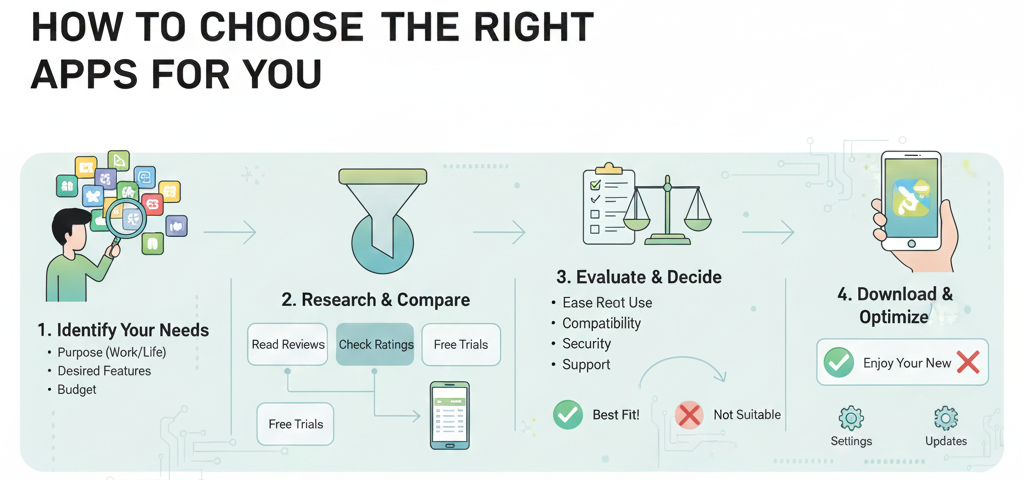
Remote professionals have different workflows and needs. Here’s how to select apps that truly boost your productivity:
1. Identify Your Work Style
Do you thrive on structure or flexibility? Choose tools that align with your natural workflow.
2. Start With Essentials
Begin with 2–4 core tools (e.g., one for tasks, one for communication, one for time tracking) before expanding your stack.
3. Look for Integration
Tools that sync with each other reduce the effort of moving data between platforms.
4. Prioritize Ease of Use
Apps should help—not overwhelm—you. Avoid tools with steep learning curves if you don’t have time for training.
5. Trial Before Committing
Many apps offer free plans or trials. Test them with real tasks before upgrading to paid tiers.
Maximizing Productivity Without Burnout
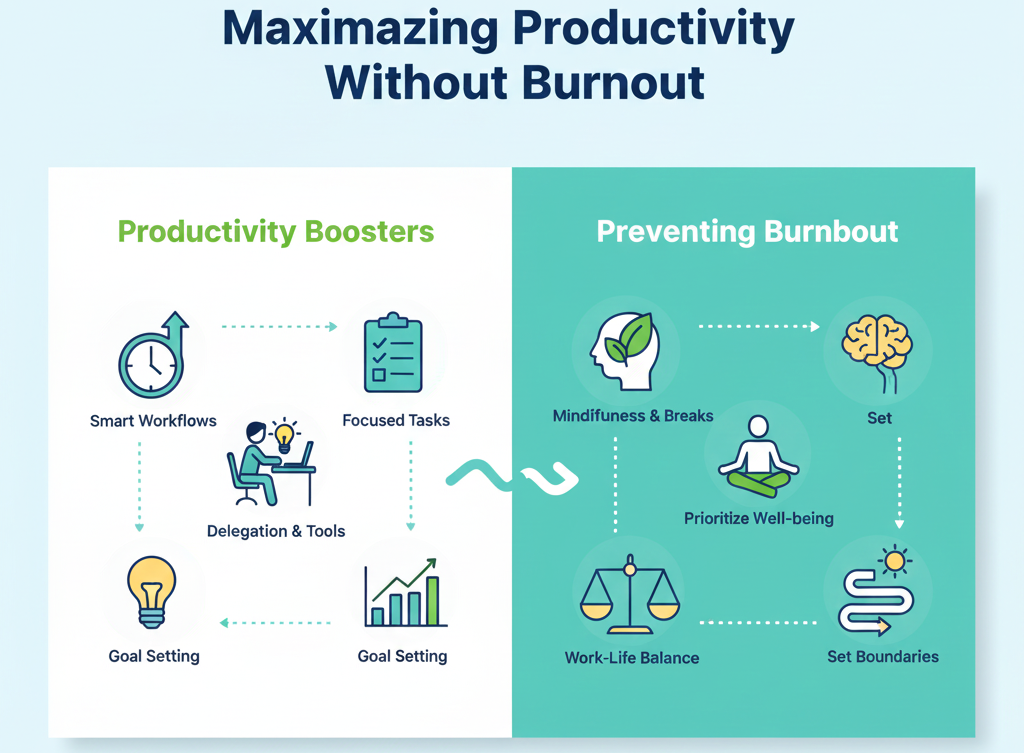
Using productivity software effectively requires more than installing tools—it means designing routines that reinforce focus and balance. Set clear boundaries, schedule breaks, and review your toolset regularly. A good productivity stack saves time, reduces friction, and supports sustainable performance.
Final Thoughts

For work-from-home professionals, productivity software isn’t a luxury—it’s an essential pillar of remote success. The right mix of apps can transform chaos into clarity, streamline collaboration, and keep you focused on meaningful work.
Whether you’re managing projects, communicating with teams, or hunting for your most productive hours, the tools outlined here offer powerful support for a thriving remote work life.