

How to Choose Accounting Software for Freelancers (2026 Buying Guide)
As a freelancer, managing your finances well isn’t just a good idea—it’s a business essential. From tracking income and expenses to preparing for taxes and getting paid on time, the right accounting software can save you hours of work and help you stay organized throughout the year. In 2026, there are more tools than ever aimed at independent professionals, but choosing the right one can still feel overwhelming.
This guide breaks down what to look for in accounting software for freelancers, offers practical decision tips, and highlights key features that matter most if you want to scale your freelance business.
Why Freelancers Need Dedicated Accounting Software
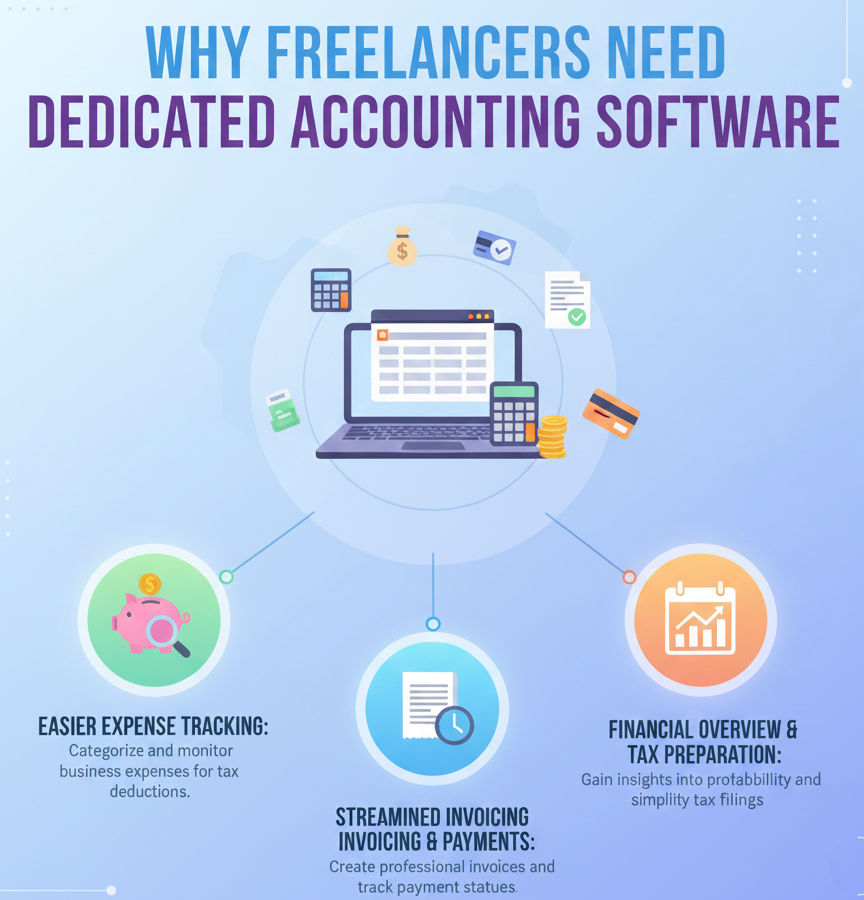
Many freelancers start out using spreadsheets or manual records, but that can quickly get messy. Good accounting software helps you:
-
Track earnings, expenses, and tax deductions
-
Create and send professional invoices
-
Monitor cash flow in real time
-
Simplify quarterly and annual tax prep
-
Sync bank transactions automatically
Ultimately, the right software does more than store numbers—it gives you clarity and peace of mind, so you can focus on your craft.
What Freelancers Should Look for in Accounting Software
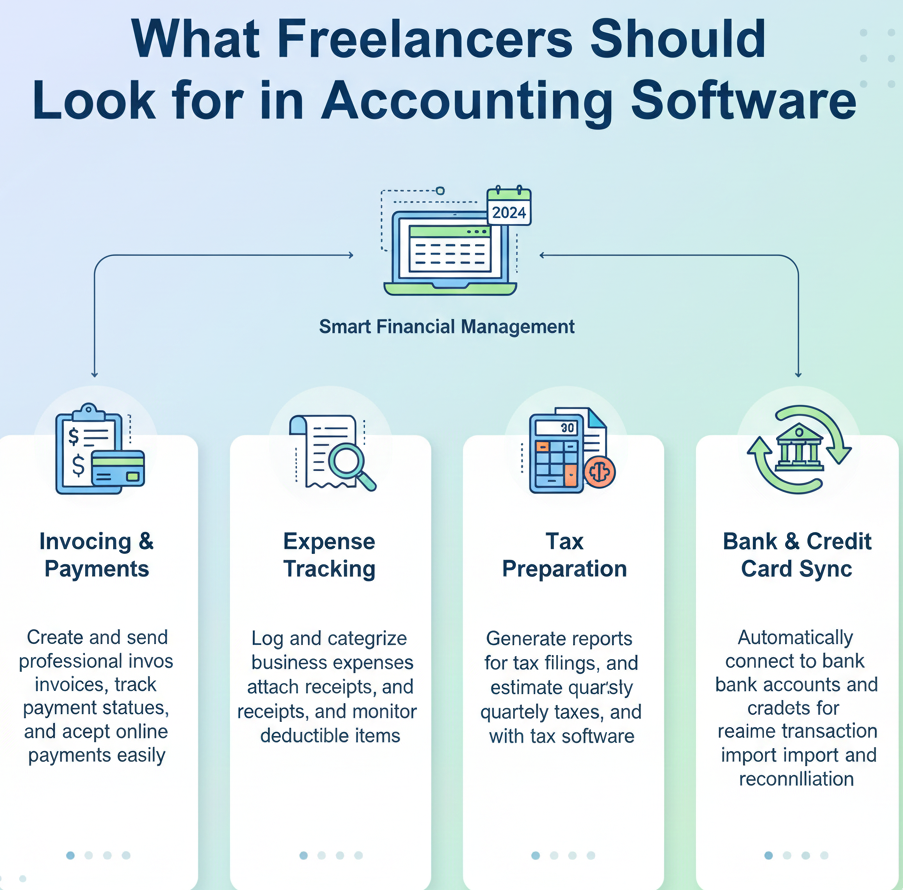
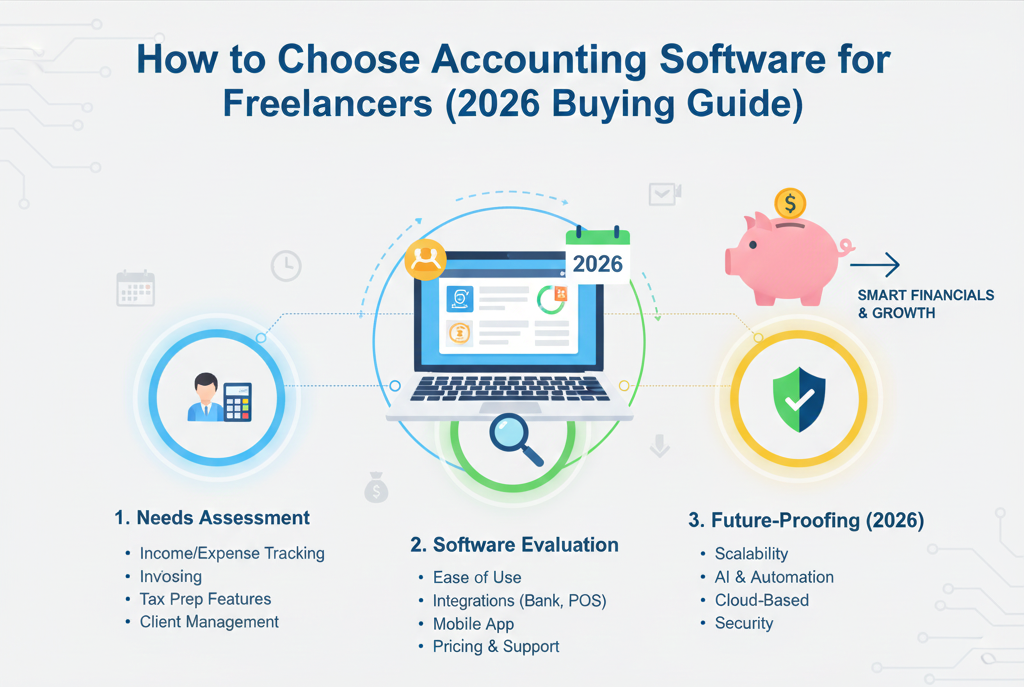
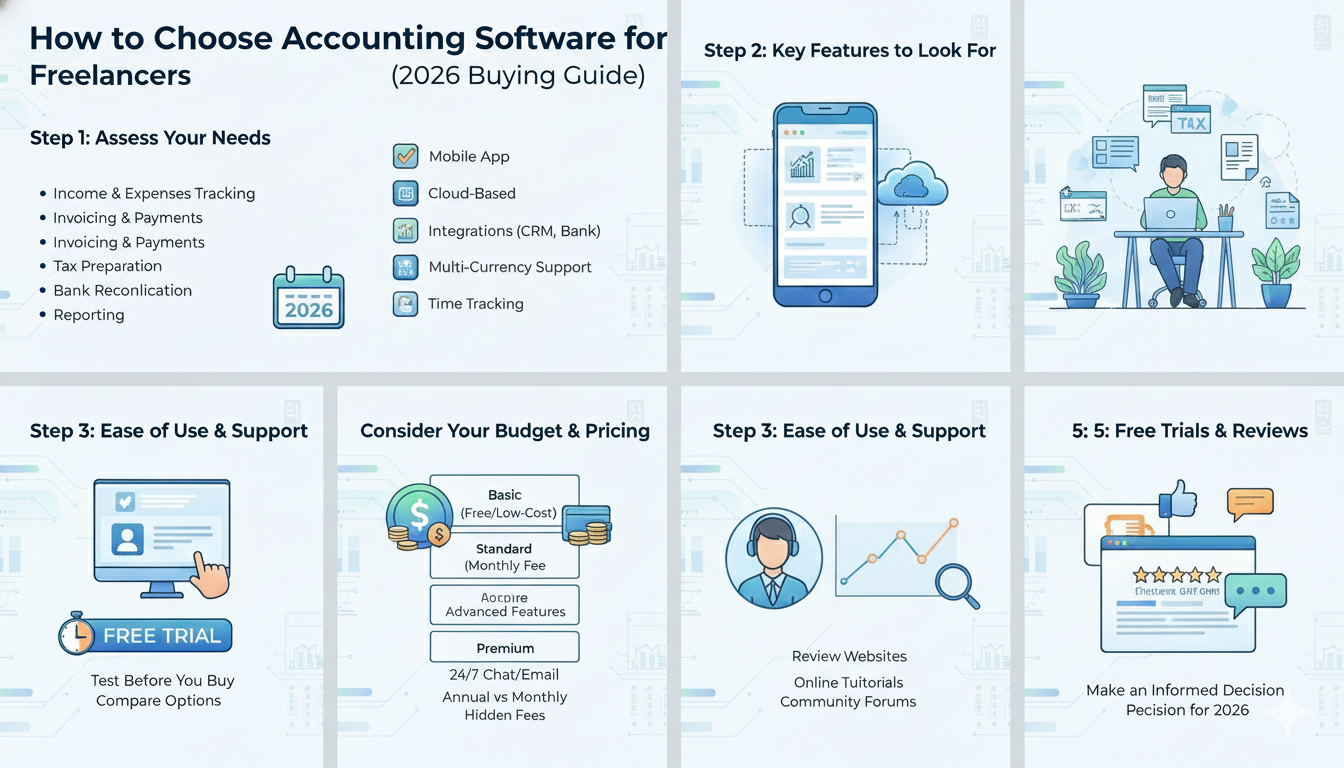
When choosing a system, here are the core features you should prioritize:
1. Easy Income and Expense Tracking
Your software should let you add income and expenses quickly, categorize them accurately, and attach receipts if needed.
2. Professional Invoicing Tools
Look for customizable invoice templates, automatic reminders for overdue payments, and multiple delivery options (email, PDF, link).
3. Bank and Payment Integration
Syncing with your bank accounts, PayPal, or payment apps saves time and reduces errors. Automatic import of transactions is a huge plus.
4. Tax Readiness and Reporting
Freelancers need to stay ahead of taxes. Choose software that provides ready-to-use reports for tax filing, categorizes deductible expenses, and estimates tax liabilities.
5. Mobile App Availability
Freelancers on the go will benefit from tools that work well on mobile, allowing you to log expenses and send invoices from anywhere.
6. Affordable Pricing
Pricing should make sense for a freelancer’s budget. Look for transparent plans with options to upgrade as your business grows.
Popular Options to Consider in 2026
While the best choice depends on your needs, the following tools are often recommended for freelancers:
QuickBooks Self-Employed
-
Designed specifically for freelancers, solopreneurs, and gig workers
-
Tracks mileage, expenses, invoices, and taxes
-
Offers quarterly tax estimates and deductions
Best for: Freelancers who want a simple, tax-focused tool with strong bookkeeping fundamentals.
FreshBooks
-
User-friendly interface with professional invoice templates
-
Time tracking and project billing
-
Client communication history included
Best for: Service-based freelancers who bill by time and want polished client interactions.
Wave Accounting
-
Core accounting and invoicing features are free
-
Receipt scanning and basic reporting included
-
Optional paid add-ons like payroll and payment processing
Best for: Budget-conscious freelancers looking for a capable no-cost solution.
Xero
-
Full accounting suite with invoicing, bank reconciliation, and financial reporting
-
Integrates with apps for payments, payroll, and more
Best for: Freelancers who want more advanced reporting and scalability as earnings grow.
Pricing Considerations
Pricing plans for accounting tools vary based on features and usage limits. When evaluating cost, ask:
-
Does the price fit my current income level?
-
Are invoicing or client limits included in my tier?
-
Is there a monthly vs. annual discount?
-
Will I need to upgrade as my business grows?
Many platforms offer free trials—take advantage of them before committing.
Real-World Tips Before You Buy
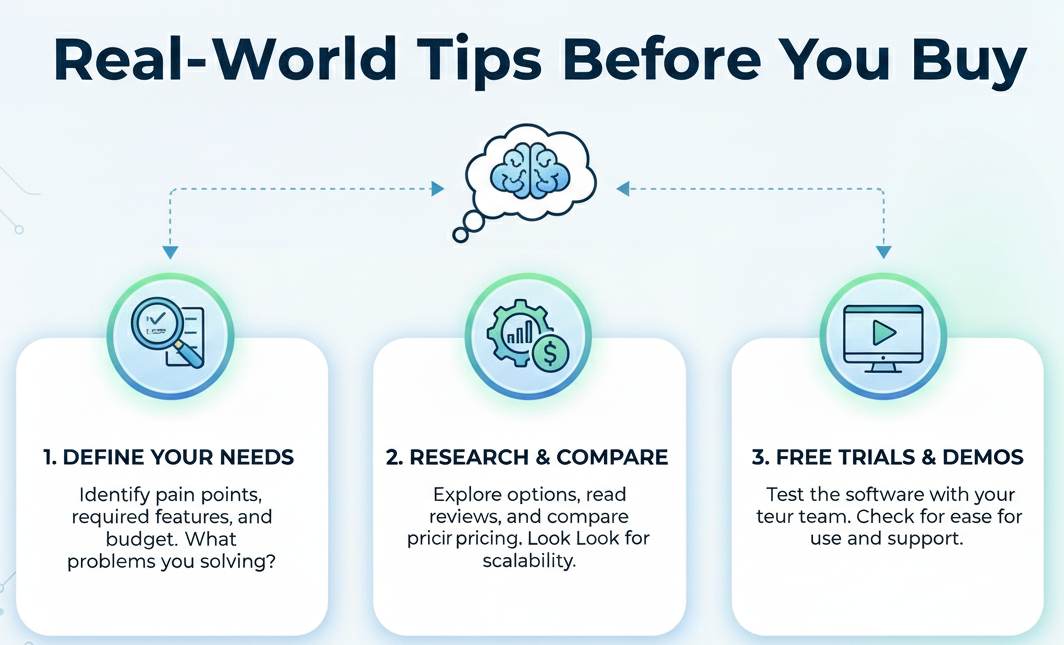
1. Define Your Priorities First
Decide whether your main focus is invoicing, taxes, or detailed financial reporting. Your priorities determine the best fit.
2. Think Long Term
A tool that works now might not suit your business in a year. Choose one that scales with you.
3. Check Integration Options
If you already use payment apps, CRM tools, or project management systems, ensure your accounting software integrates smoothly.
4. Watch for Automation
Automations (like recurring invoices or bank rules) save time and cut down manual work.
Final Thoughts

Freelancers juggle many roles, from creative work to business operations. Choosing the right accounting software shouldn’t be an afterthought—it should be a strategic decision that simplifies your finances and supports sustainable growth.
In 2026, the options are better than ever. By focusing on ease of use, essential features, and cost-effectiveness, you’ll be well on your way to managing your freelance finances with confidence and clarity.