


CRM Software for Small Businesses: Ultimate Guide & Best Picks
In today’s competitive market, nurturing customer relationships is one of the most important drivers of long-term success for small businesses. Customer Relationship Management (CRM) software has become an essential tool for organizing contacts, tracking leads, and automating sales and marketing efforts. In 2026, CRM solutions are more flexible and user-friendly than ever, offering features that empower small teams to deliver personalized experiences without needing a large budget or a dedicated IT department.
This guide breaks down the fundamentals of CRM software, what to look for, and the best CRM platforms available for small businesses right now.
What Is CRM Software and Why It Matters
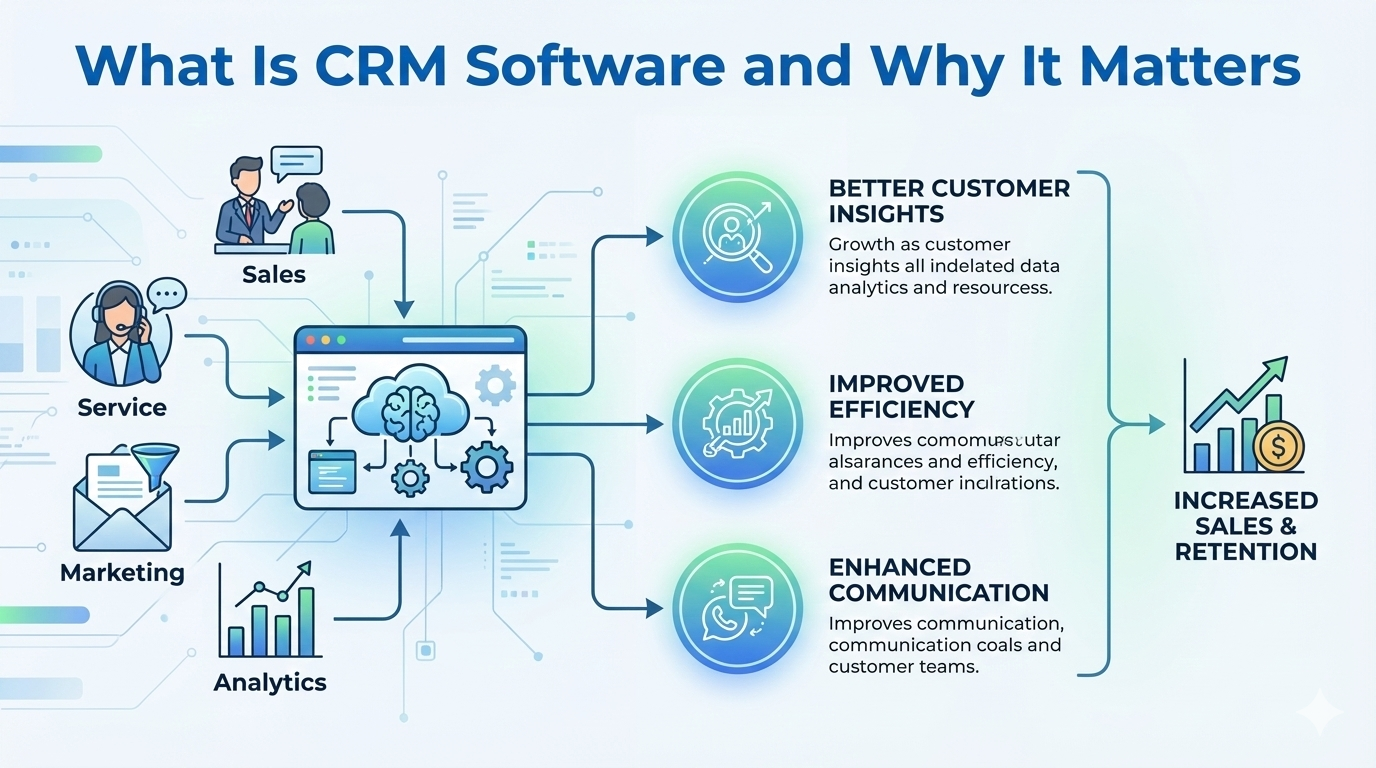
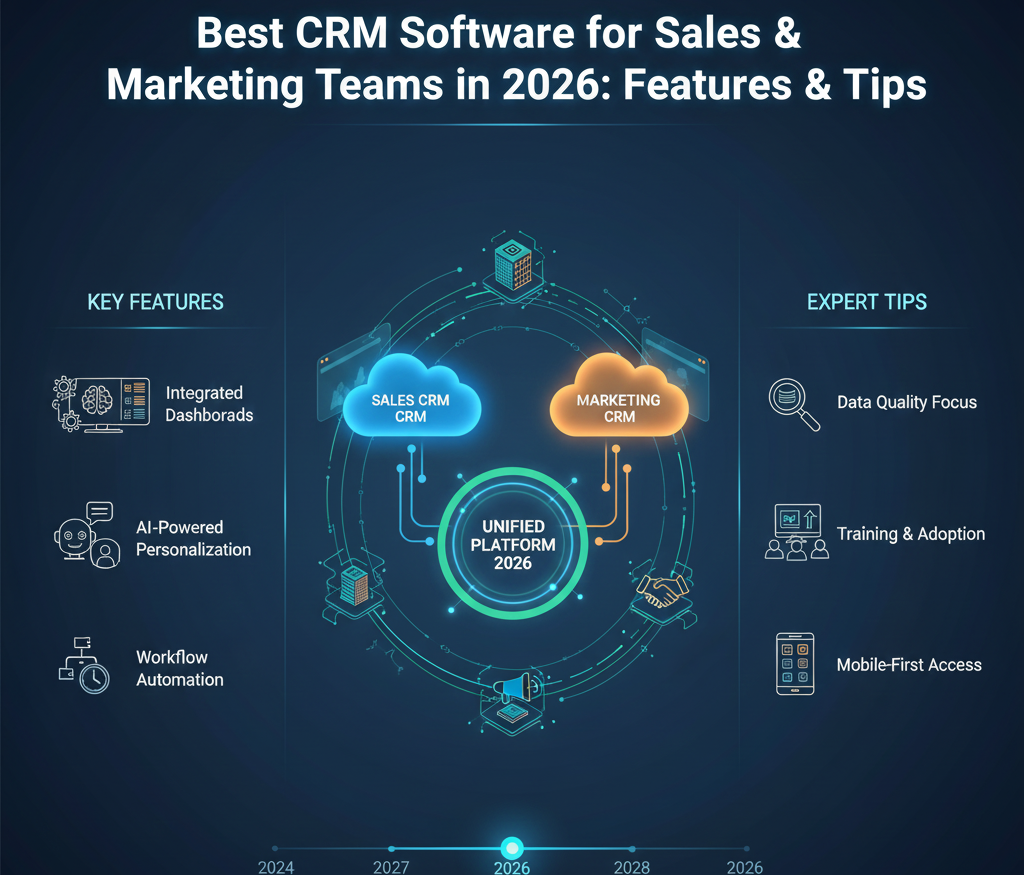
CRM software helps businesses manage interactions with customers and prospects throughout the entire lifecycle. Instead of scattered spreadsheets or manual follow-ups, a CRM centralizes data so teams can:
-
Track leads and sales opportunities
-
Store contact information in one place
-
Automate follow-ups and reminders
-
Analyze performance with dashboards and reports
-
Improve customer service and retention
For small businesses, a good CRM can turn disorganized contact lists into actionable insights that drive growth.
Key Features Small Businesses Should Look For
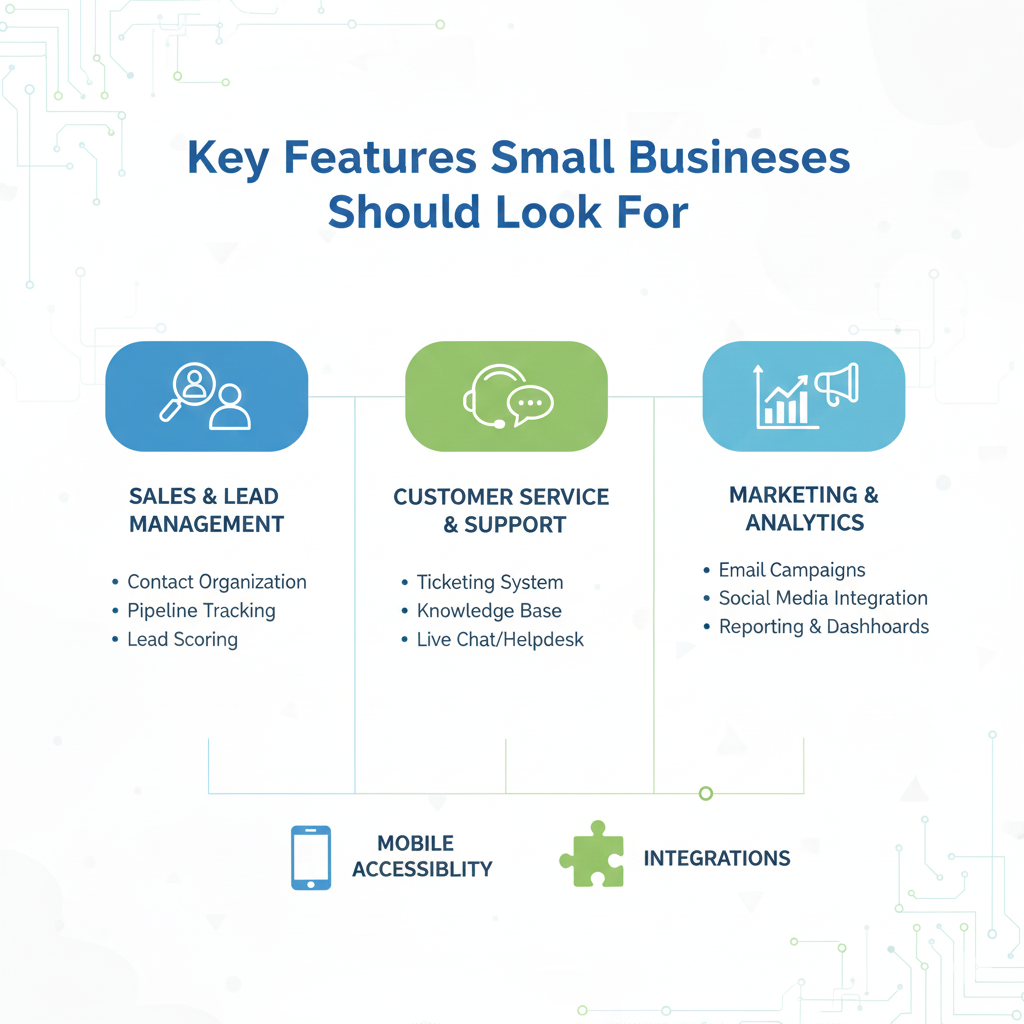
When evaluating CRM tools, consider the following capabilities:
1. Contact & Lead Management
Store and organize customer details and track engagement history.
2. Sales Pipeline Visualization
See where deals stand and what needs attention next.
3. Task Automation & Reminders
Automate repetitive work like follow-ups, emails, and notifications.
4. Marketing Integrations
Connect with email marketing, social media, or SMS platforms for seamless campaigns.
5. Reporting and Analytics
Understand performance trends and improve decision-making.
6. Mobile Access
Work on the go with responsive apps or mobile versions.
Top CRM Software for Small Businesses in 2026
Here are some of the best options that combine power, ease of use, and value.
1. HubSpot CRM
Best for: Free yet robust all-in-one CRM
Highlights:
-
No cost to start, with optional advanced modules
-
Contact and deal tracking
-
Email templates and task automation
Review:
HubSpot CRM remains a leader for small businesses thanks to its generous free tier and straightforward interface. It’s ideal for startups or teams just getting started with CRM.
2. Zoho CRM
Best for: Scalable and flexible tool
Highlights:
-
Customizable dashboards
-
Lead scoring and workflow automation
-
Integrates with Zoho ecosystem
Review:
Zoho CRM strikes a balance between features and affordability. It’s great for businesses that want an adaptable system that grows with them.
3. Salesforce Essentials
Best for: Small businesses ready to scale
Highlights:
-
Powerful sales and service features
-
AI-driven insights and automation
-
App integrations via Salesforce marketplace
Review:
Salesforce Essentials brings enterprise-level capabilities to small teams. While it may have a steeper learning curve, its scalability sets it apart.
4. Pipedrive
Best for: Visual pipeline and sales-first teams
Highlights:
-
Intuitive drag-and-drop pipeline
-
Email integration and activity reminders
-
Simple pricing plans
Review:
Pipedrive is all about clarity and usability. Sales teams will appreciate its visual approach to tracking deals and progress.
5. Freshsales (by Freshworks)
Best for: AI-assisted CRM features
Highlights:
-
AI-based lead scoring and chat support
-
Built-in phone and email
-
Unified customer view
Review:
Freshsales combines ease of use with intelligent automation. Its built-in communication tools make it especially useful for small businesses handling high volumes of leads.
How to Choose the Right CRM for Your Business
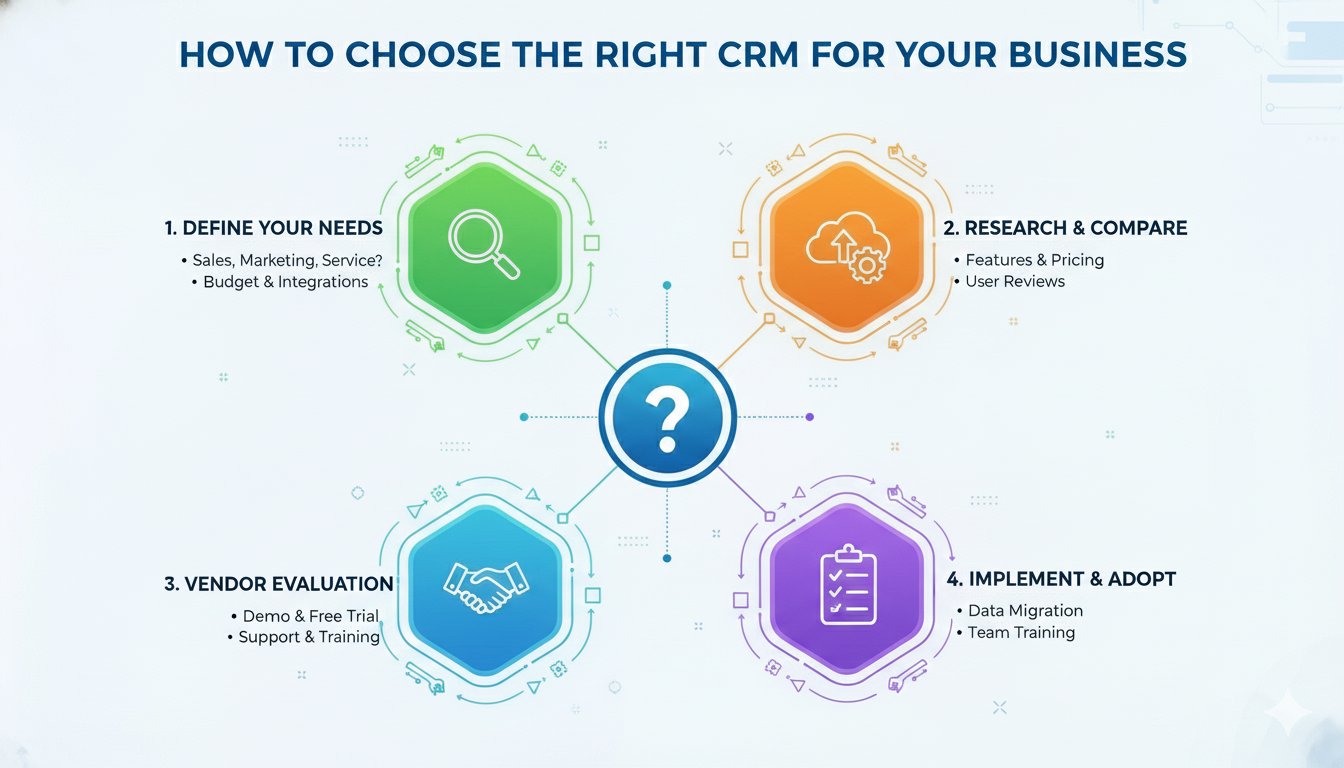
Choosing a CRM comes down to matching the software to your specific needs. To make the best choice:
-
Identify your goals: Are you tracking leads, automating marketing, or improving customer service?
-
Consider your budget: Free versions are great to start, but consider future costs for growth.
-
Evaluate ease of use: A powerful tool is only effective if your team will use it.
-
Check integrations: Ensure it works with your current tools such as email, calendars, and communication apps.
Final Thoughts

CRM software has transformed from a luxury into a necessity for small businesses aiming to scale with efficiency. Whether you’re just starting to organize customer data or looking to automate your sales process, there’s a CRM solution that fits your business size, budget, and goals.
Investing time in choosing the right CRM today can help you build stronger relationships, increase sales, and deliver better customer experiences tomorrow.